Putting on a video for the kids takes ten seconds. Three videos later they are somewhere you would never have sent them. That is the problem I wanted to solve.
So I built a hub for the tablet. The kids pick an avatar and only see what we put in, with no ads or recommendations. When their screen time is up, it is up.
The reason
YouTube was not built for preschoolers
The problem is the system around the videos: after every video a wall of suggestions is waiting, and those suggestions are designed to keep you watching. Hard to resist for an adult, hopeless for a child.
The standard fixes did not convince me. Off-the-shelf kids apps are full of content we never chose, and sitting next to every video is not something a parent can keep up.
What I wanted was easy to say and nowhere to buy: the videos, games and images we approve of, inside one shell that is completely closed everywhere else.
A screen that stops where we want it to.
The approach
One hub, three kinds of content
The kids see a simple menu: videos, games or our own album. Only categories that actually contain something show up as a tile. Videos are grouped by channel, exactly as we curated them.
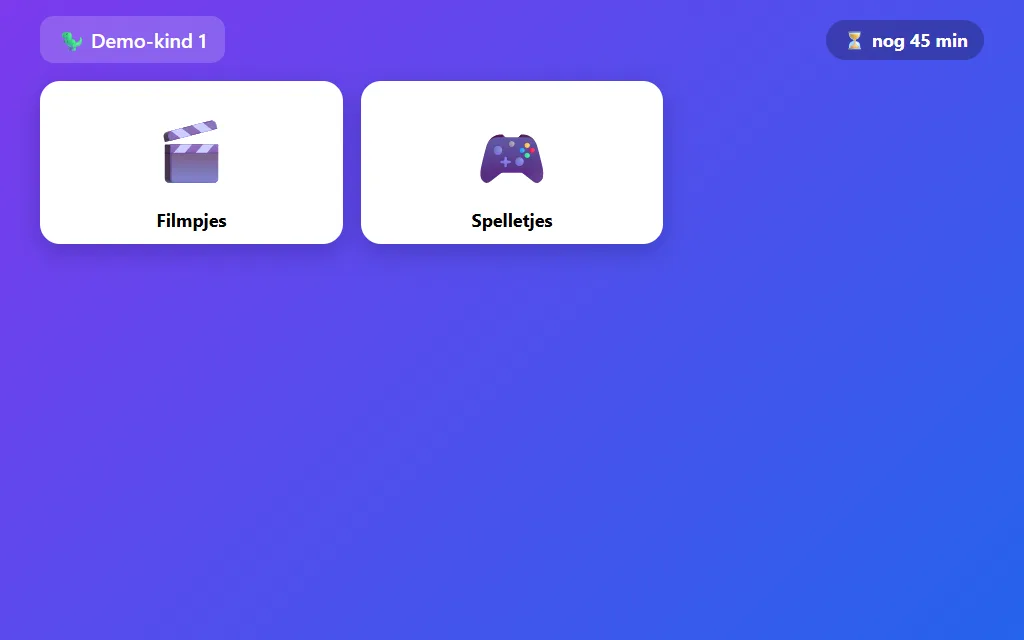
The home screen (demo version). The daily timer ticks along in the corner: when it is done, it is done.
The player is the biggest difference with regular YouTube. A video plays and then simply stops, with no end screen full of suggestions and no autoplay into content from outside the hub.
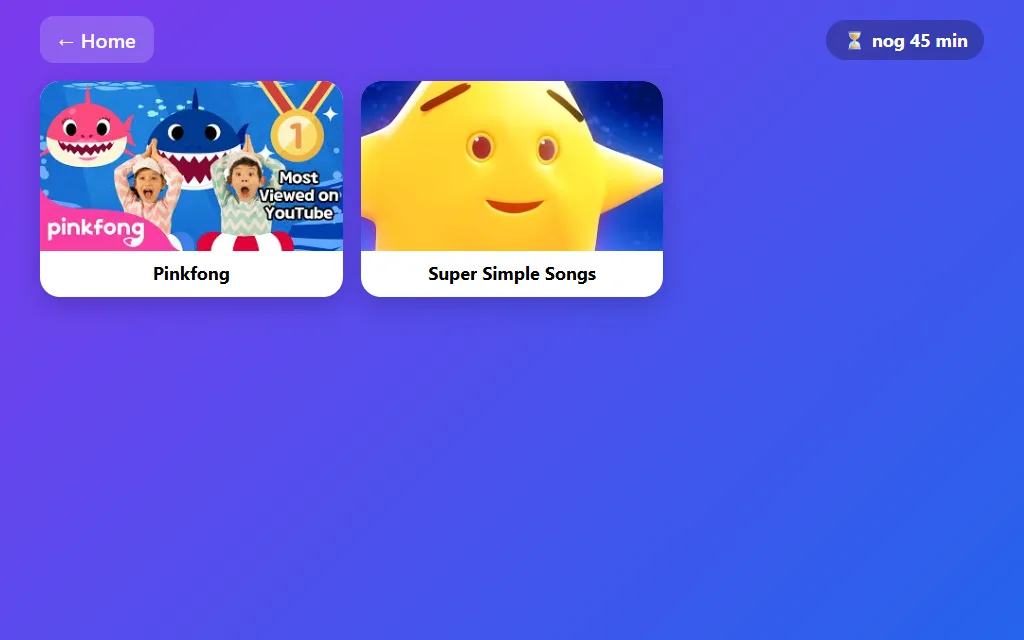
Videos grouped by channel (demo version). New videos from a linked channel appear automatically.
We manage the hub behind a parent code. Adding a video means pasting a link. Linking a whole channel works too: new videos from that channel show up by themselves. Each child has a daily screen time budget that counts across all tablets at once. When time is up, only the parent code can add fifteen extra minutes.
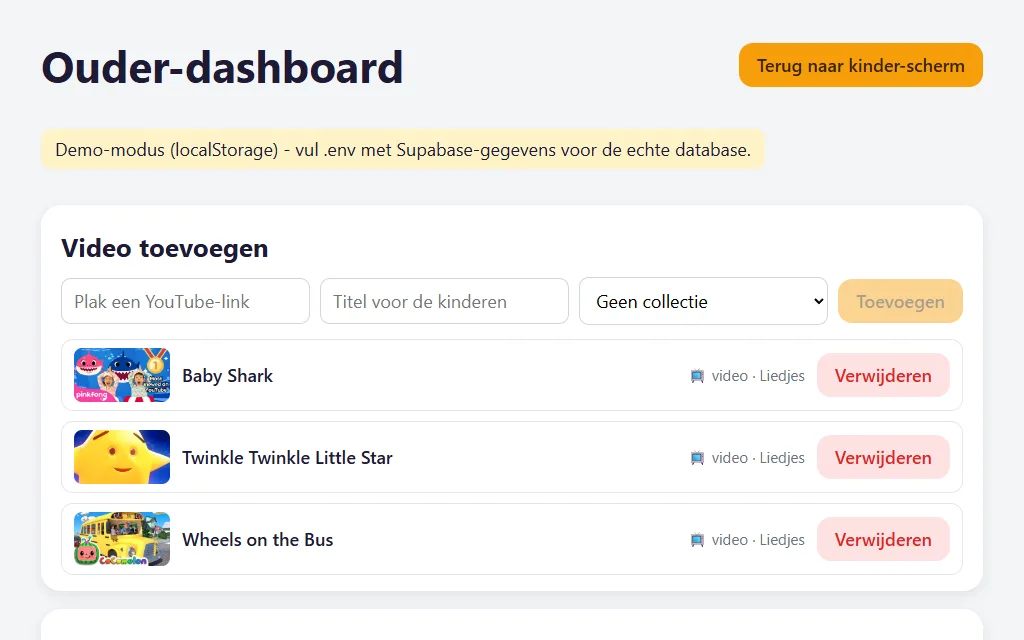
The parent dashboard (demo version): paste a link, done. This is also where we manage channels, games and the album.
- Videos on our terms. Only what we added ourselves or from channels we picked. The player has no ads, no suggestions and no way out.
- Homemade games. Eight games I built with AI, including an Animal Mixer and a Monster Maker in which AI draws the animals and monsters the kids come up with. Every game runs locked inside its own frame and cannot touch the rest of the app.
- Our album. Images we made together with AI, stored privately and visible only inside the hub.
- A daily timer that is always right. Watch and play time counts per child, across all tablets. Grabbing another tablet to dodge the limit does not work.
The result
What it delivers
The hub runs live on the tablets at our house. The kids find their way around it blindly, and we no longer have to sit next to every video.
The building itself went surprisingly fast: the app came together in the evenings, with AI as my building partner. The first version with just videos took a few evenings. Games and the album were added in a single evening, because the foundation could already carry them.
The honest downside
The features were the easy part
Showing a list of videos is something any AI can do in an afternoon these days. The real work was in the edges: making sure a game cannot break out of its frame, that the album is truly visible to us alone, and that the screen time still adds up when two tablets are on at the same time.
That part you do not get right in one go. I had every layer checked and tested separately before anything of our children went into the app. For the same reason, this page shows the demo version with placeholder data: the real hub, with the real names and the real album, stays at home.
Try it yourself
Want to build something like this?
You do not need to be a developer to start. Paste the prompt below into a strong AI model (Claude, ChatGPT or Gemini) and you get a plan tailored to your family, including what you are better off leaving to existing apps.
I want to build a safe media hub for my children: one place on the tablet with only videos I pick myself, maybe some simple games and our own photos. No ads, no recommendations, with a time limit per child.

Interview me first: ask at most ten questions about my children's ages, which tablets or phones we own, what they watch now, how much technical experience I have and how much time I want to put in.

Then give me concrete advice:
1. Whether an existing solution (settings, kids apps) is already enough in my case.
2. If not: how I can build a simple walled hub myself with the help of AI, step by step.
3. How to handle safety: what my children can and cannot reach, and where my photos are stored.
4. The first step I can take this weekend.

Be honest about maintenance: what does this ask of me per week, and when is building it myself not worth it?
Related work
More from this system
The kids hub is not a one-off: it comes out of the same workshop as these projects.